
AI Agents in Workflow Automation: Automate Tasks & Drive ROI
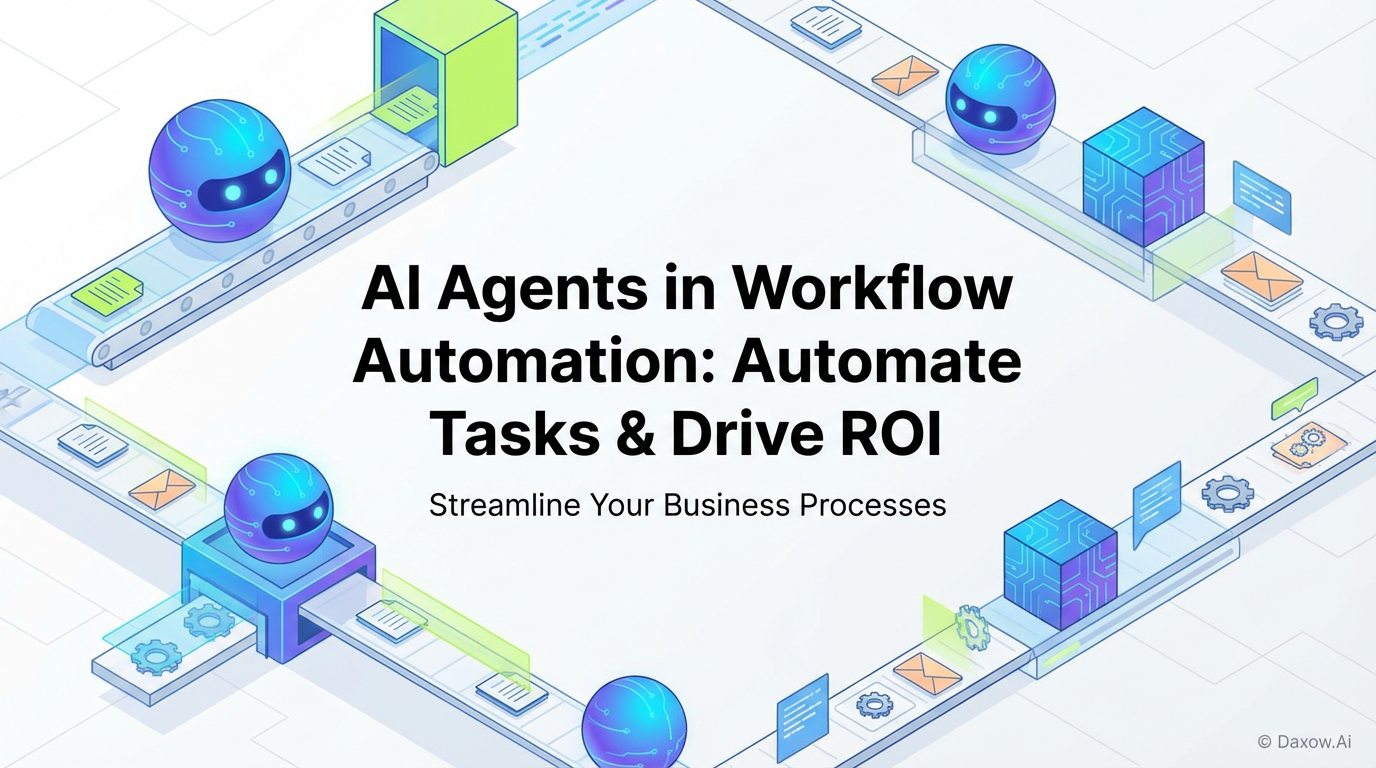
Practical guide to implementing AI agents for workflow automation—prioritize workflows, design and deploy agents, integrate systems, measure ROI, and scale with Daxow.ai.
AI Agents in Workflow Automation: How to Automate Workflows, Reduce Manual Tasks, and Boost Productivity
Estimated reading time: 15 minutes
Key Takeaways
- AI agents automate repetitive and complex workflows, reducing manual tasks and boosting productivity.
- Key AI agent capabilities include conversational interfaces, document intelligence, autonomous orchestration, and integration hubs.
- Use cases span e-commerce, finance, healthcare, real estate, sales, and HR with measurable business outcomes.
- A practical six-step framework guides successful AI agent implementation for scalable automation.
- Continuous monitoring, retraining, and governance ensure ongoing improvement and risk mitigation.
- Daxow.ai provides end-to-end solutions for designing, deploying, and optimizing AI-driven workflow automation systems.
Table of Contents
- AI Agents in Workflow Automation — What business leaders need to know
- Key capabilities of AI agents in workflow automation
- Types of AI agents and where to apply them
- Implementing AI Agents in Workflow Automation — A practical framework
- Practical industry use cases
- System architecture and integrations — practical considerations
- Measuring ROI and KPIs
- Risks and mitigation
- How Daxow.ai helps you operationalize AI Agents in Workflow Automation
- Getting started — a recommended roadmap
- Conclusion and call to action
- Frequently Asked Questions
AI Agents in Workflow Automation — What business leaders need to know
AI agents are software systems that perceive their environment, make decisions, and act to achieve goals with limited human input. In workflow automation, they combine natural language understanding, machine learning, rules, and integrations to triage customer requests, extract data from documents, qualify leads, and trigger cross-system actions.
Why AI agents matter for business automation:
- Reduce manual tasks: Automate repetitive, rule-based, and semi-structured work.
- Improve productivity: Enable staff to focus on high-value activities.
- Scale operations: Grow without proportional headcount increases.
- Enable continuous improvement: Monitor, gather feedback, and retrain.
Key capabilities of AI agents in workflow automation
- Conversational interfaces for customer support and internal help desks.
- Document intelligence to extract, classify, and validate data.
- Autonomous orchestration to trigger multi-step workflows across systems.
- Decision support to recommend actions or execute approvals automatically.
- Integration hubs connecting CRMs, ERPs, ticketing systems, and databases.
Research-backed impact shows organizations using AI agents achieve reduced manual work, faster processing, and better data accuracy. KPI improvements include lower cost per transaction, faster resolutions, higher customer satisfaction (CSAT), and increased lead-to-deal conversion.
Types of AI agents and where to apply them
- Conversational AI agents: Chatbots and voice assistants for customer support and internal HR/IT help desks.
- Autonomous workflow agents: Multi-step processes like onboarding, invoicing, and claims processing.
- Document processing agents: Handle invoices, contracts, medical records, and semi-structured documents.
- Lead qualification agents: Capture, score, and qualify leads in real-time for sales handoff.
- Monitoring and alerting agents: Analyze metrics continuously and trigger remediation workflows.
Implementing AI Agents in Workflow Automation — A practical framework
Follow this structured, business-focused approach to maximize ROI and minimize disruption:
- Discover and prioritize: Map workflows, identify high-volume repetitive tasks, prioritize by ROI. Daxow.ai's process discovery supports this phase.
- Design the agent and workflow: Define goals, inputs, outputs, success metrics, choose agent types, specify integrations. Daxow.ai designs custom agents and integration architectures.
- Build and integrate: Develop modules (NLU, parsers, decision models), connect to systems via APIs, implement security. Daxow.ai builds production-grade systems and connectors.
- Test and validate: Run pilots, measure accuracy and user satisfaction, iterate on workflows. Daxow.ai manages testing and continuous iteration.
- Deploy and operate: Scale agents with KPI monitoring, dashboards, retraining pipelines, and change management. Daxow.ai delivers managed deployment and monitoring.
- Continuous improvement: Retrain models, expand automation scope, refine decision rules. Daxow.ai offers ongoing optimization and governance.
Practical industry use cases
Use Case 1 — E-commerce: Order triage and returns processing
Problem: Manual exception handling and returns delay processes and increase labor costs.
Agent solution: Automated order validation checks inventory, flags fraud risk, authorizes returns, and initiates refunds in ERP.
Outcomes: Faster refunds, reduced manual touchpoints, lower error rates, improved customer satisfaction.
Implementation notes: Integration with e-commerce platform, payment gateway, and logistics API, with human approval for high-risk cases.
Use Case 2 — Financial services: KYC and document automation
Problem: Manual identity document review and system cross-checks slow onboarding.
Agent solution: Document processing extracts KYC data, matches watchlists, scores risk; orchestrator triggers manual review for borderline cases.
Outcomes: Reduced onboarding time, fewer compliance backlogs, lower operational costs.
Implementation notes: Secure storage, audit trails, compliance reporting included.
Use Case 3 — Healthcare: Prior authorization and claims processing
Problem: Prior authorization causes delays due to lengthy communications.
Agent solution: Extract clinical data, validate payer rules, submit authorizations, track status.
Outcomes: Shorter cycle times, fewer rejected claims, improved revenue cycle.
Implementation notes: HIPAA-compliant data handling, strong encryption, clinician review steps.
Use Case 4 — Real estate: Tenant onboarding and lease automation
Problem: Leasing involves manual document collection, background checks, and approvals.
Agent solution: Collect documents, run checks, extract lease terms, populate CRM and accounting.
Outcomes: Faster move-ins, fewer errors, better tenant experience.
Implementation notes: Integrate with background check providers, payment processors, property management systems.
Use Case 5 — Sales & Marketing: Lead qualification and sales automation
Problem: Time wasted on low-quality leads and manual entry.
Agent solution: Capture leads, predict and score quality, enrich data, route high-value leads with recommendations.
Outcomes: Higher conversion rates, faster lead response, improved sales productivity.
Implementation notes: Connect marketing automation and CRM, continuously retrain models with closed-won data.
Use Case 6 — HR & Admin: Candidate screening and onboarding
Problem: Repetitive resume screening and onboarding form entry.
Agent solution: Extract resume data, assess fit, schedule interviews, automate onboarding forms.
Outcomes: Shorter time-to-hire, improved candidate experience, lowered administrative burden.
Implementation notes: Maintain privacy compliance, standardize role criteria for accuracy.
System architecture and integrations — practical considerations
- Core components: LLMs, NLU models, document processing, orchestration layers, integration hubs, data storage, monitoring, and retraining pipelines.
- Integration strategy: API-first design, secure accounts, role-based access, idempotency, and error handling.
- Data governance: Retention policies, encryption, explainable decision logs, consent, and privacy controls.
Measuring ROI and KPIs
Track operational metrics such as reduced manual hours, time-to-resolution, error rates, and agent uptime alongside business KPIs like cost savings, customer satisfaction (CSAT and NPS), conversion rates, and revenue per employee.
Estimate ROI by calculating baseline manual costs, estimating automation coverage and accuracy, and factoring in implementation and maintenance expenses. Pilot data allows more accurate forecast refinement.
Risks and mitigation
- Over-automation of complex judgments: Use human-in-the-loop reviews.
- Data quality issues: Validate inputs, enforce schemas, and route exceptions.
- Integration failures: Build retry logic and real-time monitoring.
- Model drift: Schedule regular retraining and performance audits.
How Daxow.ai helps you operationalize AI Agents in Workflow Automation
- Process discovery and analysis to quantify and prioritize automation opportunities.
- End-to-end system design aligning AI agents with orchestration and integration layers.
- Custom development of production-ready AI agents integrated with CRMs, ERPs, ticketing systems, and databases.
- Managed deployment, monitoring, retraining pipelines, and SLA management.
- Continuous optimization through pilot programs, impact measurement, and scaling across departments.
- Focused on measurable outcomes including reducing manual work, lowering costs, and boosting productivity.
Getting started — a recommended roadmap
- Run a one-week process discovery with Daxow.ai to identify 2–3 high-impact workflows.
- Launch a 6–12 week pilot to build and validate a single AI agent with clear KPIs.
- Scale automation to adjacent workflows using standardized connectors and design patterns.
- Establish an automation center of excellence for ongoing model maintenance, integrations, and governance.
Conclusion and call to action
AI Agents in Workflow Automation unlock measurable productivity gains, reduce manual tasks, and create scalable automation pathways. Success requires process discovery, pragmatic design, secure and seamless integrations, and continuous improvement.
Daxow.ai specializes in custom AI systems that execute real work, integrate with your enterprise tools, and deliver fast, measurable ROI. Book a free consultation with Daxow.ai today to start building an AI system that reduces manual work, improves customer experience, and drives business value.
Frequently Asked Questions
What types of workflows are best suited for AI agents?
AI agents excel in automating high-volume, repetitive, rule-based tasks that have structured or semi-structured data inputs. Examples include customer support, document processing, lead qualification, and multi-step orchestrations like onboarding or claims processing.
How does Daxow.ai ensure AI agents align with business goals?
Daxow.ai starts with thorough process discovery and ROI modeling to prioritize workflows. They design agents with clear goals and success metrics and continuously iterate based on user feedback and measurable KPIs to ensure business alignment.
What are key risks when deploying AI agents?
Risks include over-automation of complex tasks without human oversight, integration errors, data quality issues, and model drift. Mitigation involves human-in-the-loop reviews, robust monitoring, validation, and scheduled retraining.
Can AI agents integrate with existing enterprise systems?
Yes, AI agents are designed to integrate via APIs, webhooks, and middleware with CRMs, ERPs, ticketing platforms, and databases. Secure access controls and service accounts ensure safe and reliable connectivity.