
AI Automation: Transforming Enterprise Operations
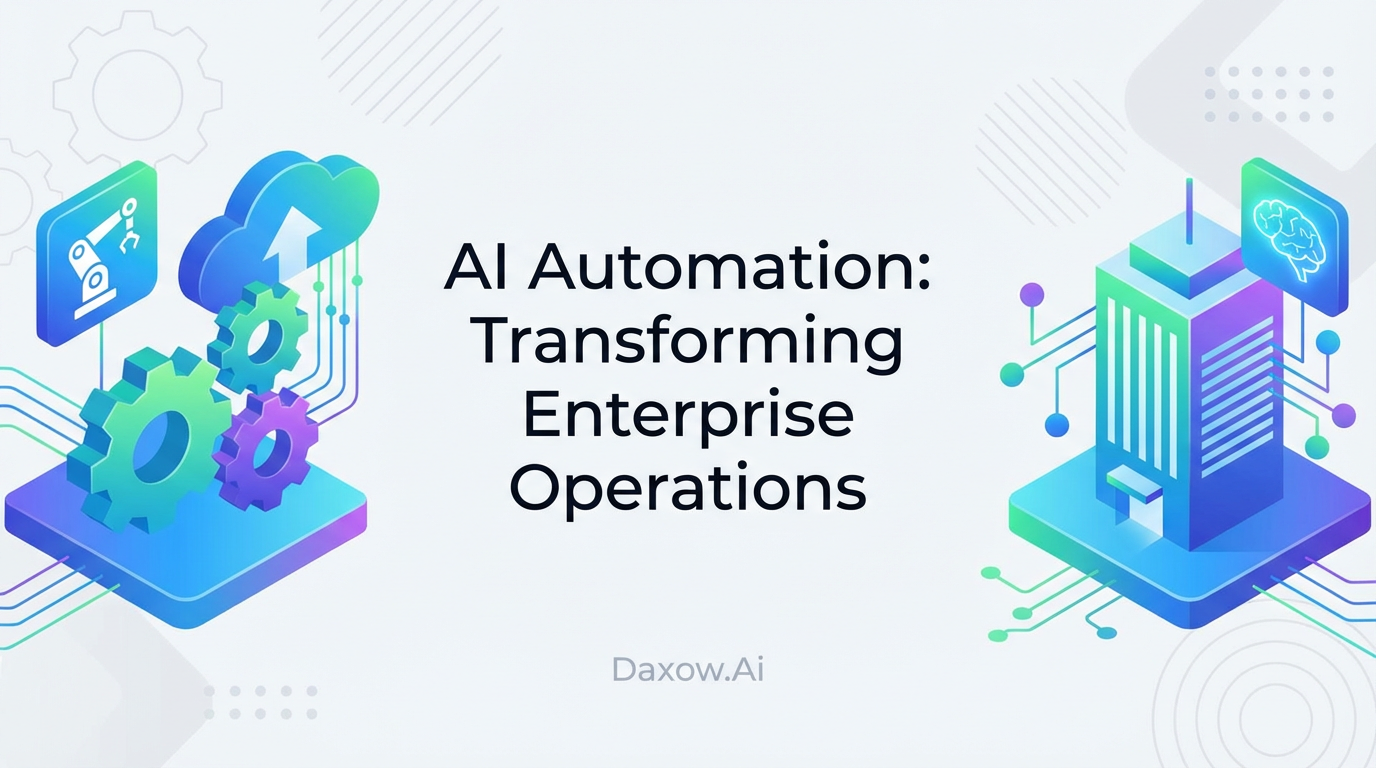
Learn how AI agents and workflow automation streamline enterprise operations, reduce errors and costs, and deliver fast ROI — practical use cases and an implementation blueprint from Daxow.ai.
AI Automation: Transforming Business Operations for the Modern Enterprise
Estimated reading time: 12 minutes
Key Takeaways
- AI automation strategically reduces manual tasks and boosts productivity across industries.
- Integration of AI agents with workflow automation drives scalable, efficient business processes.
- Real-world use cases demonstrate measurable ROI, often within 6–12 months of deployment.
- Best practices for implementation include data preparation, cross-functional teams, and continuous monitoring.
- Daxow.ai builds tailored AI solutions to unlock operational resilience and competitive advantage.
Table of Contents
- AI Automation: Transforming Business Operations for the Modern Enterprise
- Why executives should prioritize AI automation now
- Practical use cases and industry examples
- How AI agents and workflow automation complement each other
- Implementation blueprint — steps and best practices
- Common pitfalls and how to avoid them
- Demonstrating ROI — a simple example
- How Daxow.ai delivers business automation and AI agents
- Governance, ethics and security considerations
- Roadmap — from pilot to enterprise-scale automation
- Frequently Asked Questions
AI Automation: Transforming Business Operations for the Modern Enterprise
AI automation integrates machine learning, natural language processing, and robotic process automation (RPA) to execute repetitive tasks, analyze unstructured data, and make routine decisions with minimal human intervention. In the enterprise this translates into:
- Faster execution of rule-based processes (e.g., invoice processing, order-to-cash).
- Reduced error rates through automated validation and anomaly detection.
- Improved customer experience via intelligent chatbots and response routing.
- Scalable operations without proportional headcount increases.
By targeting high-volume, repeatable tasks, AI automation frees staff to focus on high-value activities such as strategy, product development, and customer relationships.
Why executives should prioritize AI automation now
- Operational resilience: Automated workflows run consistently and adapt faster to demand spikes.
- Cost reduction: Typical implementations show 30–50% reductions in process time and significant labor cost savings.
- Rapid payback: Many organizations recoup investments within 6–12 months.
- Competitive advantage: Predictive insights and faster response cycles increase win rates and customer retention.
These benefits are achieved when AI automation is treated as a business initiative, not just an IT project.
Practical use cases and industry examples
E‑commerce — Order-to-cash, inventory, and support
Use case:
- Automate order validation, payment reconciliation, and shipment notifications.
- Use AI agents to triage customer inquiries, provide tailored shipping updates, and escalate exceptions to humans.
Business impact:
- Reduce fulfillment errors and processing time.
- Improve customer satisfaction with instant, accurate status updates.
- Integrations: connect AI agents to ERP, warehouse management, and CRM systems for end-to-end automation.
Healthcare — Scheduling, billing, and pre-screening
Use case:
- Automate appointment booking with intelligent scheduling agents that account for provider availability and patient preferences.
- Extract and reconcile billing codes from clinical documents.
- Provide preliminary symptom triage through secure conversational agents.
Business impact:
- Shorter wait times, fewer no-shows, more accurate billing.
- Compliance with privacy rules through secure data pipelines.
- Staff reallocated to patient care and complex clinical tasks.
Finance — Invoice processing, fraud detection, forecasting
Use case:
- Use AI agents to capture invoice data, validate vendor information, and automate three-way matching.
- Implement anomaly detection to flag suspicious transactions.
- Generate automated sales and expense forecasts from historical data.
Business impact:
- Lower transaction costs and near real-time anomaly detection.
- Faster month-end close and better cash-flow management.
- Measurable KPIs: processing time reduction, error rates under 5%.
Real estate — Lead qualification, listings, contract workflows
Use case:
- AI agents qualify leads from websites and marketplaces using intent scoring.
- Automate property listing creation, syndication, and contract reconciliation.
- Trigger follow-ups and schedule showings automatically.
Business impact:
- Accelerated sales cycles and improved agent productivity.
- Higher conversion through faster lead response and personalization.
HR — Recruitment, onboarding, and employee queries
Use case:
- Automate resume screening using role-based criteria and skills mapping.
- Run onboarding workflows that collect documents, schedule training, and provision accounts.
- Provide an HR chatbot for benefits, leave requests, and policy questions.
Business impact:
- Reduced time-to-hire, improved candidate experience.
- Higher retention through consistent onboarding experiences.
How AI agents and workflow automation complement each other
- Workflow automation handles execution: routing documents, updating records, moving tasks through steps.
- AI agents add intelligence: classifying documents, extracting entities, making decisions, and interacting conversationally.
Combine them to create systems that not only automate tasks but also learn and improve. For example, a customer support AI agent classifies incoming tickets, suggests responses, auto-resolves common issues, and creates follow-up tasks for complex tickets — all while feeding metrics into monitoring dashboards.
Implementation blueprint — steps and best practices
Step 1 — Define clear goals and measurable KPIs
- Identify high-volume, repeatable processes with clear baseline metrics (time per transaction, error rate, cost per item).
- Set targets (e.g., 20–30% efficiency gain; reduce error rate to <5%).
- Align expectations across finance, operations, and IT.
Step 2 — Assess and prepare your data
- Inventory data sources: ERP, CRM, email, spreadsheets, document repositories.
- Clean and standardize inputs; resolve access and governance issues.
- Ensure compliance with privacy and regulation before model training.
Step 3 — Select tools and integration approach
- Use RPA for deterministic rules and ML/NLP for unstructured or predictive tasks.
- Prioritize platforms that support APIs and connectors to your CRM, ERP, and databases.
- Plan a phased rollout to minimize disruption.
Step 4 — Build a cross-functional team
- Combine domain experts, data engineers, ML engineers, and operations managers.
- Provide training and clear ownership for automated processes.
- Engage change management to ensure adoption.
Step 5 — Test, deploy, and monitor
- Validate models with appropriate metrics (accuracy, recall, F1 score) and business KPIs.
- Deploy with human-in-the-loop controls for edge cases.
- Implement dashboards for real-time monitoring, drift detection, and retraining triggers.
Step 6 — Scale and continuously improve
- Iterate based on performance data and stakeholder feedback.
- Expand automation scope once initial KPIs are met.
- Maintain governance for fairness, security, and compliance.
Common pitfalls and how to avoid them
- Vague objectives: Start with specific, measurable goals to prevent scope creep.
- Poor data quality: Invest in data hygiene upfront to avoid model failures.
- Tool mismatch: Choose tools compatible with existing systems to reduce integration cost.
- Lack of adoption: Involve end-users early and provide training.
- No monitoring: Implement dashboards to detect drift and performance degradation.
Demonstrating ROI — a simple example
Scenario: Mid-market company automates invoice processing.
- Current: 10,000 invoices/year, average handling cost $6/invoice, average processing time 48 hours.
- Target: Reduce handling cost by 40%, processing time by 50%.
Projected results:
- Annual cost before: $60,000.
- Annual cost after (40% reduction): $36,000.
- Annual savings: $24,000.
- Implementation cost (projected): $20,000–$40,000.
- Estimated payback: 6–12 months.
Additional benefits:
- Faster vendor payments and potential early-payment discounts.
- Reduced exceptions and improved vendor relationships.
- Data captured for forecasting and compliance.
How Daxow.ai delivers business automation and AI agents
Daxow.ai is an AI automation partner that helps companies translate strategy into production-grade AI systems. Our approach:
- Discovery and Process Mapping: We document workflows, identify automation candidates, and quantify expected value.
- Custom AI Design: We architect AI agents and workflow automation tailored to your processes — combining RPA where rules dominate and ML/NLP where intelligence is needed.
- Systems Integration: We connect AI agents to your CRM, ERP, ticketing systems, and databases to ensure end-to-end automation and a single source of truth.
- End-to-End Implementation: From prototyping to production deployment, we build, test, and harden solutions with human-in-the-loop safeguards.
- Monitoring and Continuous Improvement: We implement dashboards, retrain models, and extend automation scope as performance improves.
How this maps to common business priorities:
- Reduce manual tasks: Automated extraction, classification, and routing reduce repetitive work.
- Improve productivity: Teams focus on exceptions and strategic activities.
- Lower operational costs: Faster processing and fewer errors reduce headcount pressure.
- Enhance customer support automation and sales automation: Lead qualification and support triage accelerate revenue cycles and resolution times.
Learn more about our custom AI agent solutions and workflow automation services tailored to your enterprise needs.
Governance, ethics and security considerations
- Data privacy: Ensure storage and processing comply with regional and sector regulations.
- Bias mitigation: Monitor outcomes across groups and retrain models to correct skew.
- Auditability: Maintain logs for decisions made by agents for compliance and troubleshooting.
- Security: Apply least-privilege access and encryption for sensitive data flows.
Daxow.ai embeds governance and security into every deployment to minimize risk while maximizing value.
Roadmap — from pilot to enterprise-scale automation
- Pilot Phase (4–8 weeks): Target one high-impact process, deliver a limited-scope prototype, and measure KPIs.
- Stabilize Phase (2–4 months): Harden integrations, refine models, and implement monitoring.
- Scale Phase (6–12 months): Expand to adjacent processes, integrate more data sources, and consolidate platform governance.
- Long-term Optimization: Continuous retraining, feature expansion, and ROI tracking with dashboards.
Frequently Asked Questions
How fast can we see results?
Many pilots deliver measurable improvements within weeks; full ROI is often realized within 6–12 months.
What processes should we automate first?
Start with high-volume, rule-based tasks with clear metrics and frequent manual effort.
Do we need to replace existing systems?
No. The most effective approach integrates AI agents with existing CRMs, ERPs, and ticketing systems.
What resources are required internally?
A cross-functional sponsor, process owners, and IT support. Daxow.ai fills specialized roles such as ML engineering and integration work.