
AI Workflow Automation to Optimize Business Processes
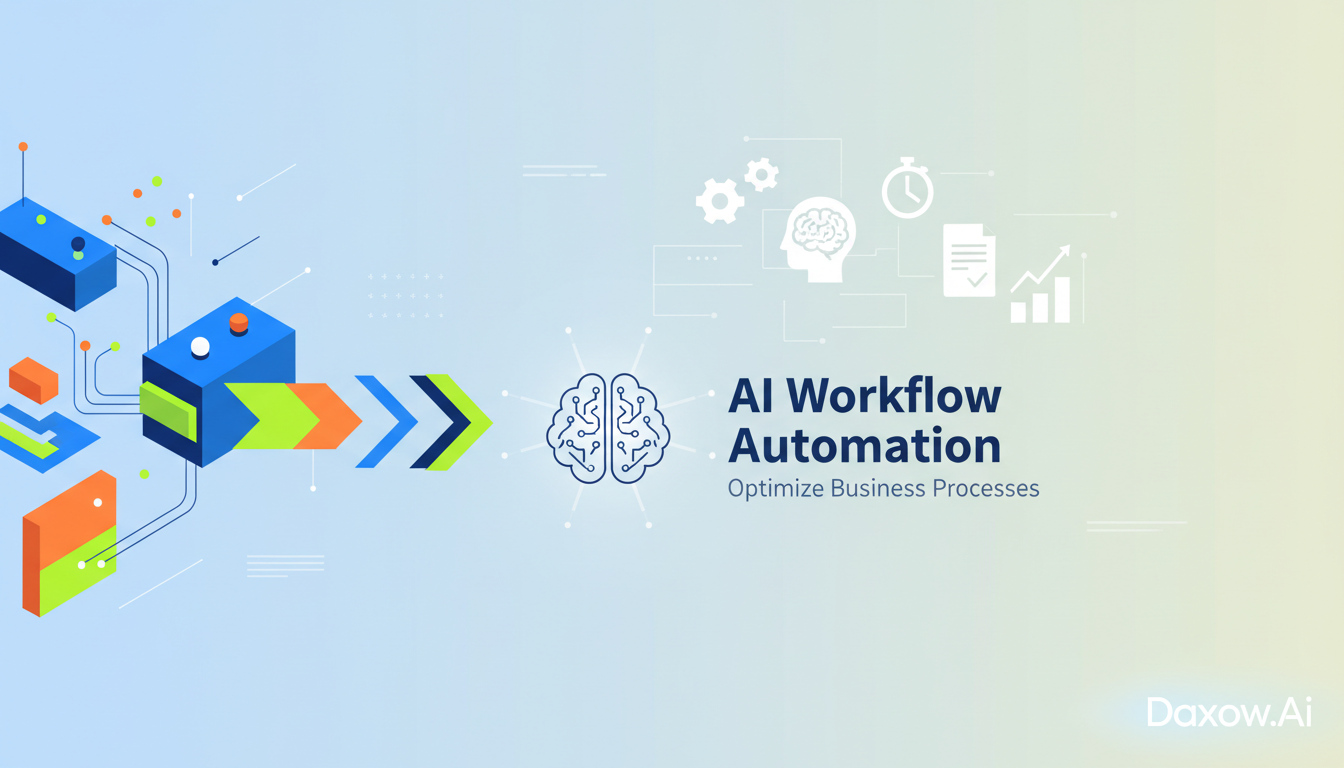
Use AI agents and workflow automation to reduce manual work, lower costs, and improve customer experience. Includes roadmap and industry use cases.
AI workflow automation for business process optimization
Estimated reading time: 12 minutes
Key Takeaways
- AI workflow automation significantly reduces manual tasks and operational costs while improving productivity and customer experience.
- Successful AI automation relies on integrated components including process mapping, data connectivity, intelligent document processing, and AI agents.
- Practical industry use cases span technology, e-commerce, real estate, finance, healthcare, customer support, and HR.
- A phased implementation roadmap guides decision-makers from discovery to scalable automation with governance and continuous improvement.
- Measuring ROI through time saved, cost reduction, and improved customer metrics is essential for executive buy-in.
- Daxow.ai delivers custom AI systems with end-to-end integration and robust governance to ensure real business impact.
Table of Contents
- AI workflow automation for business process optimization — why it matters
- Key components of an effective AI workflow automation system
- Use cases: Practical examples of AI workflow automation across industries
- Implementation roadmap — from process discovery to live AI agents
- Measuring ROI and reducing operational costs
- Best practices and risk mitigation
- How Daxow.ai helps you implement AI workflow automation
- Getting started: practical next steps for decision-makers
- Frequently Asked Questions
AI workflow automation for business process optimization — why it matters
AI workflow automation for business process optimization is rapidly shifting from pilot projects to core operational strategy for companies that want to reduce manual tasks, boost productivity, and scale services without proportional headcount increases. Executives and operations leaders across industries are asking how to combine intelligent automation, AI agents, and robust integrations to unlock measurable cost savings and improved customer experience.
Organizations face three persistent challenges that make AI workflow automation essential:
- Rising operational costs from repetitive manual work.
- Fragmented processes across tools and departments that create delays and errors.
- Increasing customer expectations for speed and personalized service.
AI workflow automation addresses these by combining workflow automation platforms with AI agents that can interpret data, make decisions, and execute actions across systems. The result is faster cycle times, fewer manual handoffs, and scalable processes that maintain quality.
Business outcomes to expect:
- Reduced manual tasks through task delegation to AI agents.
- Improved productivity by accelerating time-to-completion and reducing rework.
- Lower operational costs via headcount reallocation and fewer errors.
- Better customer experience through faster, consistent responses and proactive service.
Key components of an effective AI workflow automation system
A repeatable, enterprise-grade implementation requires several integrated components:
1. Process discovery and mapping
Start with a clear inventory: document current workflows, identify handoffs, exceptions, and data sources. Prioritize processes with high volume, high cost, or high error rates. Use quantitative metrics (time per transaction, cost per transaction, error rates) to rank opportunities.
2. Data connectivity and integrations
AI agents require reliable access to data and systems. Connectors to CRMs, ERPs, ticketing systems, email, document repositories, and databases are essential. Seamless integrations reduce friction and ensure data accuracy.
3. Intelligent document processing and extraction
Many business processes depend on unstructured data (invoices, contracts, medical records). Use AI models to extract structured data, validate fields, and route items for approval or automated processing.
4. Decisioning and orchestration layer
This controls when AI agents act, what actions they take, and how exceptions are escalated. Orchestration combines deterministic rules with ML-driven recommendations to handle standard and edge cases.
5. AI agents and automation bots
AI agents perform tasks such as responding to customer queries, qualifying leads, updating records, and generating documents. They can operate autonomously or as assistive agents that surface suggestions to human operators.
6. Monitoring, observability, and governance
Track performance KPIs, error rates, and compliance. Implement audit trails and human-in-the-loop controls for sensitive decisions. Governance ensures reliability and risk management while maximizing automation benefits.
Use cases: Practical examples of AI workflow automation across industries
Technology & SaaS — Lead qualification and sales automation
Use case:
- Inbound leads are routed through an AI agent that qualifies intent by analyzing website behavior, CRM history, and conversation transcripts.
- Qualified leads trigger automated outreach sequences, calendar booking, and CRM enrichment.
Business impact:
- Higher sales productivity as reps focus only on high-probability opportunities.
- Faster response times, increasing conversion rates.
E-commerce — Order exceptions and returns processing
Use case:
- AI agents ingest customer emails, return requests, and shipment tracking data.
- The system verifies order validity, determines refund eligibility, and initiates returns or exchanges automatically.
Business impact:
- Reduced manual processing costs, faster refunds, improved customer satisfaction.
Real estate — Document automation and client onboarding
Use case:
- AI extracts clauses from purchase agreements, compares contract terms to templates, and highlights compliance issues.
- Onboarding workflows automatically populate CRM records, schedule inspections, and generate closing checklists.
Business impact:
- Faster closings, fewer contract errors, and improved agent productivity.
Finance — Accounts payable automation and treasury workflows
Use case:
- Intelligent document processing extracts invoice data and matches it to purchase orders.
- Orchestration routes mismatches to human review, auto-approves small, low-risk invoices, and schedules payments.
Business impact:
- Lower processing costs, fewer duplicate payments, and more predictable cash flow.
Healthcare — Patient intake and clinical documentation
Use case:
- AI agents transcribe clinical notes, extract symptoms and medication lists, and pre-populate EHR entries.
- Patient intake forms are analyzed to triage appointments and surface potential care gaps.
Business impact:
- Reduced clinician documentation time, improved coding accuracy, and better patient throughput.
Customer support — Chatbots and support automation
Use case:
- Multi-channel AI agents resolve routine inquiries, escalate complex tickets, and auto-tag conversations for analytics.
- Support automation updates CRM tickets, issues refunds, or schedules service appointments without manual intervention.
Business impact:
- Lower average handle time, higher first-contact resolution, and reduced support headcount cost.
HR & Admin — Candidate screening and onboarding
Use case:
- AI screens resumes for required skills, schedules interviews, and pre-fills onboarding documents after offer acceptance.
Business impact:
- Faster hiring cycles, improved candidate experience, and reduced administrative burden.
Implementation roadmap — from process discovery to live AI agents
Phase 1 — Discovery and prioritization (2–4 weeks)
- Map processes and gather metrics.
- Interview stakeholders to understand pain points.
- Identify 3–5 pilot processes with clear ROI potential.
Phase 2 — Design and prototype (4–8 weeks)
- Design target workflows, data flows, and decisioning rules.
- Build a prototype AI agent for a representative use case.
- Validate with a small user group and refine.
Phase 3 — Integration and automation development (6–12 weeks)
- Develop integrations with CRMs, ERPs, and other systems.
- Implement intelligent document processing and orchestration.
- Add monitoring, logging, and governance controls.
Phase 4 — Pilot and measure (4–8 weeks)
- Run pilot at scale for defined user segments.
- Measure KPIs: time saved, manual tasks reduced, error rate, customer satisfaction.
- Iterate on edge cases and tuning.
Phase 5 — Scale and continuous improvement (ongoing)
- Expand to additional processes and geographies.
- Apply model retraining, rule updates, and process optimization cycles.
- Implement organization-wide training and change management.
Measuring ROI and reducing operational costs
To secure executive buy-in, present a clear ROI model:
Key metrics to track:
- Reduction in manual hours per process.
- Cost per transaction before and after automation.
- Cycle time improvements (e.g., invoice processing time).
- Customer-facing metrics (response time, NPS).
- Error rate reductions and compliance improvements.
Calculation example (illustrative):
If a process consumes 1,000 manual hours per month at $30/hr = $30,000.
Automation reduces manual hours by 70% → 700 hours saved = $21,000 monthly savings.
Subtract recurring automation costs and amortized implementation costs to derive net savings and payback period.
Beyond direct savings, account for:
- Revenue uplift from faster lead follow-up and improved CX.
- Opportunity cost benefits as skilled employees shift to higher-value work.
- Reduced risk and compliance penalties.
Best practices and risk mitigation
Start with high-impact, low-complexity processes
Early wins build momentum and demonstrate value to stakeholders.
Keep humans in the loop for critical decisions
Design escalation paths and approvals for edge cases or high-risk decisions.
Invest in data hygiene and integration fidelity
Poor data quality undermines automation outcomes. Ensure connectors are robust and errors are handled transparently.
Implement governance and model monitoring
Track drift, performance, and fairness. Maintain audit logs and explainability where required.
Plan for change management
Communicate benefits, provide training, and define new roles for humans who will supervise AI agents.
How Daxow.ai helps you implement AI workflow automation
Process analysis and discovery
We map your workflows, quantify opportunities, and prioritize automation candidates using a value-driven framework. This ensures you focus on the right problems first.
Custom AI agents and workflow automation
We design AI agents that execute real tasks—qualifying leads, extracting data from documents, responding to customers, and orchestrating multi-system workflows. Our agents combine machine learning, rules-based decisioning, and RPA where appropriate.
End-to-end integrations and data connectivity
Daxow.ai builds reliable integrations to CRMs, ERPs, ticketing systems, and document repositories. We ensure data flows smoothly between systems so your AI agents have the context they need.
Scalable deployment and governance
We deploy solutions with monitoring, logging, and governance baked in—so you can scale safely and maintain compliance.
Continuous improvement and managed services
After launch, we provide ongoing optimization, retraining, and feature development to keep your automation aligned with changing business needs.
Getting started: practical next steps for decision-makers
- Conduct a rapid process audit to identify top automation candidates.
- Define success metrics and KPIs for each use case.
- Start a focused pilot with measurable scope and timelines.
- Ensure involvement from IT, operations, and business stakeholders.
- Plan for scalability from the outset—design connectors and governance to support enterprise rollouts.
Frequently Asked Questions
What types of processes are best suited for AI workflow automation?
Processes that are high-volume, repetitive, and rule-based with some level of structured and unstructured data inputs are ideal candidates for AI workflow automation.
How does Daxow.ai ensure data security and compliance?
We implement strict governance, monitoring, audit trails, and human-in-the-loop controls to ensure data security, privacy, and regulatory compliance throughout the AI automation lifecycle.
Can AI agents operate alongside human workers?
Yes, AI agents can operate autonomously or assistively by surfacing recommendations and assisting humans, enabling a hybrid approach that balances speed and oversight.
What industries benefit most from AI workflow automation?
Industry leaders in technology, e-commerce, finance, healthcare, real estate, customer support, and HR have demonstrated significant benefits from AI workflow automation.