
Customer Service Automation with AI Agents — Practical Guide
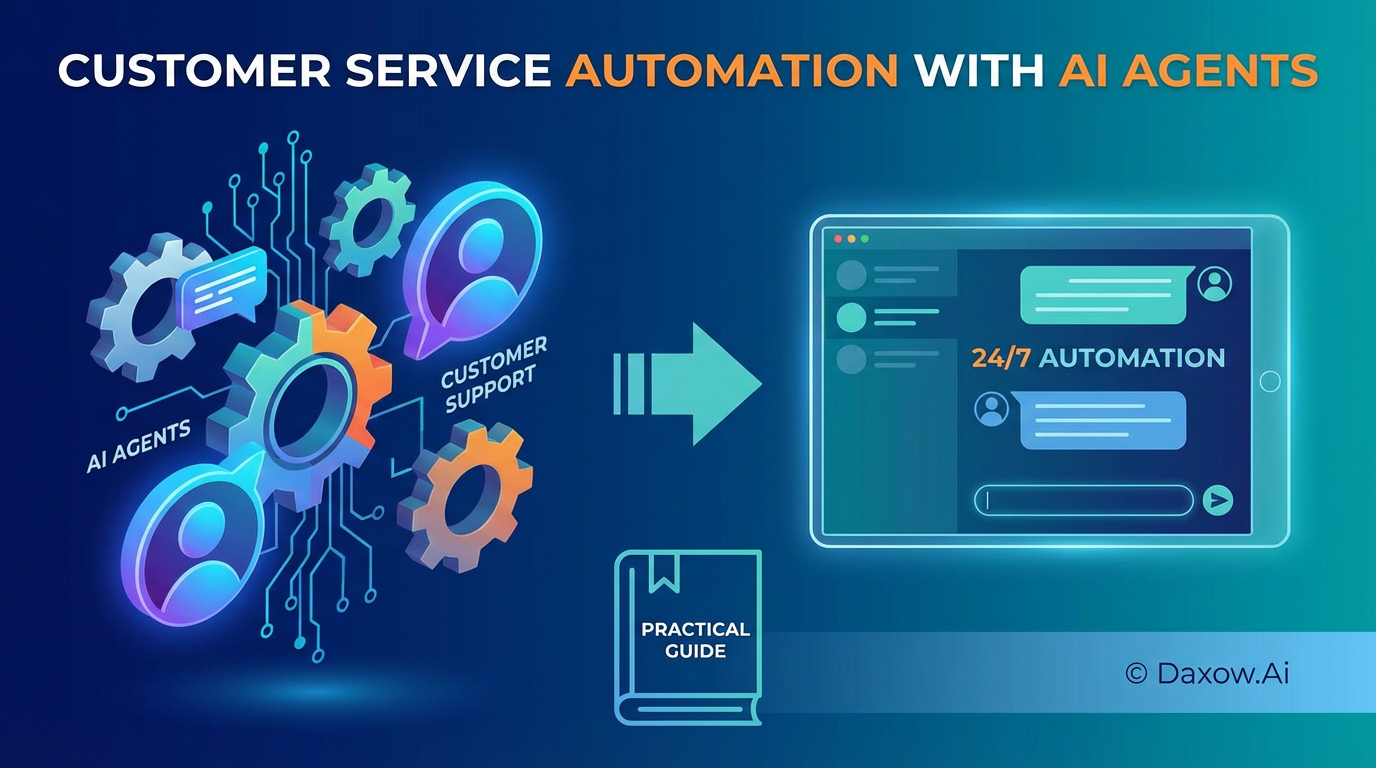
Automate customer support with AI agents: reduce manual tasks, boost productivity, improve CX, integrate systems, and measure ROI with a practical implementation roadmap.
Customer service automation with AI agents: A practical guide to reduce manual tasks, boost productivity, and improve CX
Estimated reading time: 12 minutes
Key Takeaways
- Customer service automation with AI agents improves response times, reduces manual tasks, and enhances customer experience.
- Research shows AI augments human agents and succeeds with strong integration and data connectivity.
- Track KPIs like response time, handling time, and customer satisfaction to measure impact.
- Practical use cases span e-commerce, SaaS, finance, healthcare, real estate, and HR sectors.
- Implementation requires a clear roadmap from process mapping to scaling and optimization.
- Daxow.ai delivers tailored AI systems with full integration and ongoing support.
Table of Contents
- Customer service automation with AI agents — why it matters
- What research and industry findings tell us
- Business value and KPIs to track
- Use cases across industries
- How to implement customer service automation with AI agents — a practical roadmap
- Technology and integration considerations
- Best practices for adoption and change management
- Measuring ROI and expected outcomes
- How Daxow.ai helps build customer service automation with AI agents
- Practical checklist before you start
- Frequently Asked Questions
Customer service automation with AI agents — why it matters
Customer service automation with AI agents transforms how companies handle inquiries, route issues, and resolve problems. The benefits are not limited to cost savings — automation improves response times, ensures consistent answers, frees human agents for high-value work, and scales support during peak demand.
Key business outcomes:
- Reduce manual tasks such as ticket triage, data collection, and routine responses.
- Increase productivity by enabling agents to handle complex cases faster.
- Improve customer experience (CX) with faster resolution and 24/7 availability.
- Lower operational costs by reducing full-time equivalent (FTE) support work.
- Enable sales automation and lead qualification that feeds into revenue pipelines.
What research and industry findings tell us
Research and market observations point to three consistent patterns:
- Automation first reduces repetitive workloads. Companies implementing workflow automation and AI-driven routing see immediate drops in average handle time.
- AI agents augment rather than replace human agents. The most effective deployments use AI to manage routine queries and present summarized context to human agents for complex cases.
- Integration and data connectivity determine success. AI agents are only as effective as the data they can access (CRM, order systems, knowledge base).
Actionable takeaways from these findings:
- Start with high-volume, low-complexity tasks (password resets, order status, billing queries).
- Integrate AI agents with key systems (CRM, ticketing, billing, product databases) to enable automated actions, not just responses.
- Measure both efficiency and quality — track response time, resolution rate, CSAT, and escalation rate to balance automation with customer satisfaction.
Business value and KPIs to track
Define clear KPIs before you build. Common metrics to demonstrate impact include:
- Average response time (first reply and subsequent replies)
- Average handling time (AHT)
- First contact resolution (FCR)
- Customer satisfaction (CSAT) and Net Promoter Score (NPS)
- Tickets handled per agent per hour
- Cost per ticket and operational spend vs. baseline
- Lead conversion rate for inbound sales automation
Target outcomes seen in implementations:
- Reduced first response times by 50–90% by deploying AI agents for initial handling.
- Lowered AHT by 20–60% through automated context collection and recommended responses.
- Increased FCR due to faster access to accurate knowledge and faster routing.
Use cases across industries
E-commerce
- Automated order status and shipping notifications via chat and email.
- AI agents performing returns and refund initiation by validating order information and triggering workflows in the ERP.
- Personalized cross-sell messages and abandoned cart recovery via conversational agents, integrated with sales automation.
Technology & SaaS
- Onboarding assistants that collect account details, configure basic settings, and schedule product walkthroughs.
- Tier-1 technical troubleshooting bots that run guided diagnostics, collect logs, and escalate with pre-filled incident reports to engineers.
- Subscription and billing queries handled automatically with payment link generation and subscription updates.
Finance and Insurance
- KYC (Know Your Customer) intake automation that extracts customer data from documents and populates CRM records.
- Claims triage AI agents that validate policy coverage, collect required evidence, and route complex claims to specialized teams.
- Account inquiries and fraud-flagging workflows combining automation with human review checkpoints.
Healthcare
- Patient triage chatbots that collect symptoms, provide initial guidance, and schedule appointments or telehealth sessions.
- Automated appointment reminders, insurance verifications, and follow-up surveys to improve patient engagement.
- Integration with EHR systems for secure retrieval of patient records and automated referral routing.
Real estate and property management
- Tenant request intake and automated scheduling for maintenance.
- Lease renewal reminders and eligibility checks handled by AI agents, integrated with property management systems.
- Lead qualification bots that pre-screen prospective renters or buyers and book viewings.
HR and internal support
- Employee onboarding assistants that automate policy distribution, document collection, and benefits enrollment.
- IT helpdesk automation for password resets and device provisioning.
- HR case management automation for leave requests and payroll inquiries.
How to implement customer service automation with AI agents — a practical roadmap
1. Map processes and prioritize opportunities
- Identify high-volume and high-cost processes that are repeatable.
- Assess complexity and data dependencies.
- Prioritize use cases with clear ROI and low risk (e.g., order status, billing, password resets).
2. Define success metrics and SLAs
- Establish target KPIs (response time reduction, cost per ticket).
- Define acceptable escalation rates and quality thresholds.
3. Prepare data and knowledge assets
- Consolidate knowledge bases, FAQs, and policies.
- Connect CRMs, ticketing systems, billing, and product databases for context.
- Ensure data privacy and compliance requirements are addressed.
4. Design conversational flows and automation logic
- Build conversation designs for common paths and failure modes.
- Implement fallback strategies and clear escalation triggers.
- Make automation auditable and explainable for compliance.
5. Build integrations and connectors
- Automate actions, not just messages — e.g., update orders, create tickets, issue credits.
- Use API-first integrations to maintain reliability and scalability.
6. Pilot and iterate
- Start with a limited channel or customer segment.
- Monitor KPIs and collect qualitative feedback.
- Iterate on dialog flows, escalation conditions, and knowledge accuracy.
7. Scale and optimize
- Roll out across channels (web chat, messaging apps, email).
- Introduce AI agents for proactive outreach and personalized interactions.
- Continuously retrain models and update knowledge based on real interactions.
Technology and integration considerations
Choosing the right architecture and integrations is critical to success.
Key considerations:
- Enterprise-grade security and compliance: encryption, logging, role-based access, and audit trails.
- Data connectivity: bi-directional integration with CRM, ERP, support tools, and internal databases.
- Hybrid human-AI workflows: smooth agent assist interfaces and shared context for escalations.
- Explainability and governance: humans must be able to review, correct, and audit AI decisions.
- Scalability: cloud-native architectures and containerized deployments for elastic demand.
- Monitoring and analytics: real-time dashboards for KPIs, conversation analytics, and quality control.
Best practices for adoption and change management
- Start small and show quick wins to build trust.
- Involve agents and supervisors in design sessions.
- Provide training and clear guidelines for when humans should intervene.
- Use transparency: inform customers when they're interacting with AI agents.
- Measure qualitative outcomes (agent satisfaction, customer feedback) as well as quantitative metrics.
Measuring ROI and expected outcomes
To quantify ROI, calculate reduction in cost per ticket, improved throughput, and revenue impacts (if automation supports sales).
Example model:
- Baseline: 10 FTEs handling 10,000 monthly tickets at $X per FTE.
- Post-automation: AI agents handle 40% of tickets end-to-end and automate triage for another 30%, reducing FTE load by 30–50%.
- Additional benefits: higher CSAT leading to retention improvements and increased lifetime value; faster lead qualification increasing conversion rates.
When tracking ROI, include:
- Implementation and integration costs
- Ongoing maintenance and model training costs
- Savings from reduced FTE hours and improved agent productivity
- Revenue lift from faster lead handling and better customer experience
How Daxow.ai helps build customer service automation with AI agents
Daxow.ai provides end-to-end services to design, build, and scale AI-driven customer support systems tailored to your business.
What Daxow.ai offers:
- Process discovery and workflow automation consulting: we map current operations to identify the highest-impact automation opportunities.
- Custom AI agent development: we build AI agents that can converse, take actions in your systems, and execute workflows to reduce manual tasks.
- System integrations and data connectivity: we connect CRMs, ticketing platforms, ERPs, and knowledge stores to ensure AI agents act on accurate, real-time data.
- Hybrid human-AI workflows: we design escalation flows and agent assist tools so human teams focus on complex cases.
- Compliance and security architecture: we ensure data privacy, auditability, and regulatory alignment.
- Ongoing optimization and support: continuous monitoring, retraining, and feature development to improve productivity and ROI.
How we approach projects:
- Discovery: process mapping workshops and KPI definition.
- Prototype: create a pilot AI agent for a prioritized use case.
- Integrate: deploy connectors and automation to perform end-to-end actions.
- Measure: set up dashboards and A/B tests to quantify impact.
- Scale: expand to channels and use cases while optimizing cost and quality.
Practical checklist before you start
- Identify 3 top support tasks that are high-volume and rule-based.
- Ensure access to the necessary data sources (CRM, orders, KB).
- Define target KPIs and acceptable escalation thresholds.
- Allocate a sponsor and cross-functional team (support, IT, compliance).
- Plan for a 6–12 week pilot to validate outcomes before scaling.
Frequently Asked Questions
What tasks are best suited for AI service automation?
High-volume, low-complexity, and rule-based tasks such as password resets, order status inquiries, and billing questions are ideal starting points for AI automation.
How do AI agents work alongside human support teams?
AI agents handle routine queries and data collection, presenting summarized context to human agents who manage complex or escalated cases, creating a hybrid workflow that optimizes productivity.
What key metrics should we track to measure success?
Track average response time, average handling time, first contact resolution (FCR), customer satisfaction (CSAT), escalation rates, and operational costs to evaluate both efficiency and quality.
How does Daxow.ai ensure data security and compliance?
Daxow.ai builds enterprise-grade secure architectures with encryption, role-based access, audit trails, and ensures compliance with privacy regulations throughout data handling and AI workflows.