
AI Workflow Automation for Modern Enterprises
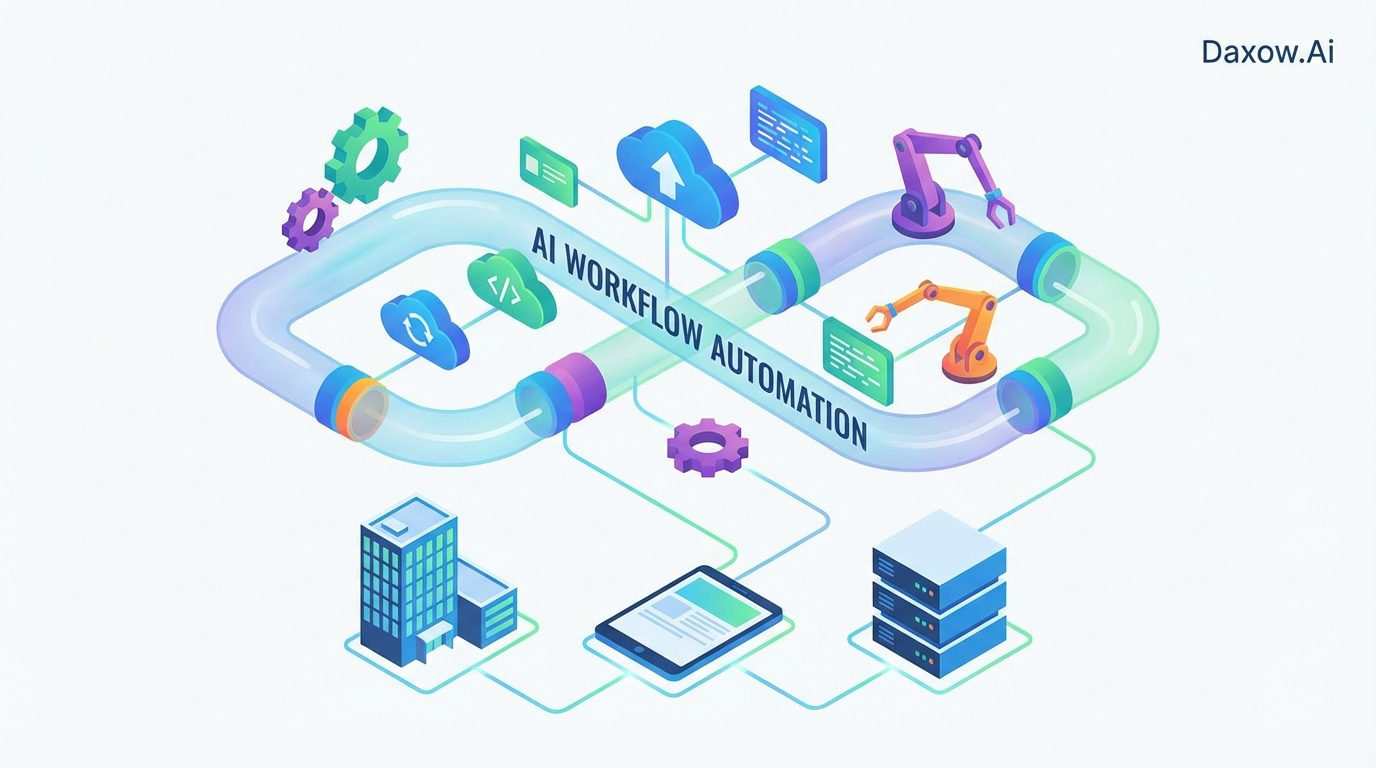
Daxow.ai's guide to AI workflow automation: streamline operations, cut costs, speed processes, and drive measurable ROI with practical industry use cases.
AI Workflow Automation: Transforming Business Operations for the Modern Enterprise
Estimated reading time: 15 minutes
Key Takeaways
- AI workflow automation drastically reduces manual, repetitive work, enabling up to 60% time savings and 50% operational cost reductions.
- Key AI capabilities include intelligent document processing, natural language understanding, predictive modeling, and autonomous AI agents.
- Industry use cases span e-commerce, customer support, healthcare, finance, real estate, and human resources, each showing measurable business impact.
- Daxow.ai delivers end-to-end AI workflow solutions, from strategy and prototyping to scalable, secure deployments and continuous optimization.
- Successful implementation requires clear objectives, quality data, cross-functional teams, and ongoing monitoring of ROI and compliance.
Table of Contents
- AI Workflow Automation: Transforming Business Operations for the Modern Enterprise
- What AI Workflow Automation Means for Your Business
- Practical Use Cases Across Industries
- How AI Agents and Automation Drive Value
- Implementation Steps and Best Practices
- Overcoming Common Challenges
- Measuring ROI and Business Value
- How Daxow.ai Helps You Implement AI Workflow Automation
- Practical Roadmap — What a Typical Daxow.ai Engagement Looks Like
- Real-World Example: Sales Automation for a Mid-Market SaaS Company
- Next Steps for Decision-Makers
- Frequently Asked Questions
AI Workflow Automation: Transforming Business Operations for the Modern Enterprise
AI workflow automation integrates artificial intelligence into business processes to replace manual, repetitive work with intelligent, scalable systems. The result is not simply faster execution, but improved accuracy, better compliance, and real-time decision support that expands organizational capacity without linear headcount increases.
Key outcomes organizations report:
- 40–60% time savings on repetitive tasks through intelligent automation.
- 20–50% operational cost reductions by eliminating manual bottlenecks and errors.
- Up to 3x faster processes for high-volume workflows.
- 10–30% revenue uplift driven by better customer experiences and faster sales cycles.
These outcomes matter because they translate into tangible competitive advantages: lower operating costs, improved customer retention, and the ability to reallocate talent toward higher-value initiatives.
What AI Workflow Automation Means for Your Business
Core capabilities
- Intelligent document processing to extract structured data from invoices, contracts, medical records, or loan applications.
- Natural language understanding for routing, responding to, and summarizing customer and internal communications.
- Predictive models for fraud detection, inventory forecasting, or churn prediction.
- Orchestration layers that connect systems (CRM, ERP, support platforms) and trigger end-to-end workflows.
- Autonomous AI agents that execute tasks, escalate exceptions, and learn over time.
Business impact
- Reduce manual tasks: Automate high-volume, rule-based processes like invoice reconciliation, lead qualification, and scheduling.
- Improve productivity: Staff can spend more time on strategic work, creative problem solving, and customer relationships.
- Enhance accuracy and compliance: Fewer human errors and built-in audit trails improve regulatory adherence.
- Scale without linear hiring: AI systems handle workload spikes with no proportional increase in headcount.
Practical Use Cases Across Industries
E-commerce
Use case: End-to-end order management and personalization
- Automate order validation, fraud screening, returns processing, and fulfillment orchestration.
- Use AI agents to triage customer tickets, recommend upsells, and predict stockouts.
Business outcome: 30% faster fulfillment, improved on-time delivery, and higher conversion through personalized recommendations.
Customer Support (cross-industry)
Use case: Customer support automation and self-service
- Implement AI agents to resolve common queries, escalate complex issues, and generate case summaries for agents.
- Integrate with CRM so responses update customer records automatically.
Business outcome: Agents resolve up to 70% of queries without human intervention, reducing response times and improving CSAT.
Healthcare
Use case: Patient intake, triage, and claims automation
- Extract structured data from referrals and medical forms.
- Prioritize urgent cases using predictive triage and automate claims submission and reconciliation.
Business outcome: Reduced administrative burden, faster patient routing, and improved billing accuracy.
Finance and Banking
Use case: Fraud detection, KYC automation, and reconciliation
- Real-time monitoring for anomalous transactions and automated identity verification.
- Generate audit-ready reports and reconcile transactions automatically.
Business outcome: Lower risk exposure and accelerated approvals, often recouping investment within 6–12 months.
Real Estate
Use case: Lead qualification and transaction orchestration
- AI agents qualify inbound leads, schedule viewings, auto-fill contract templates, and track milestone payments.
Business outcome: Shorter sales cycles and higher conversion rates through faster responsiveness.
Human Resources
Use case: Recruitment and onboarding
- Automate resume screening, schedule interviews, and generate personalized onboarding plans.
Business outcome: Up to 50% reduction in hiring time and more consistent candidate experience.
How AI Agents and Automation Drive Value
From rules-based automation to autonomous agents
Traditional automation executes predefined rules. AI agents extend this by:
- Understanding unstructured inputs (emails, documents).
- Making contextual decisions based on historical data.
- Learning from outcomes to improve over time.
Orchestration and human-AI collaboration
Automation orchestrates the end-to-end workflow: when a customer places an order, AI validates payment, updates inventory, triggers shipment, and notifies the customer — with human oversight for exceptions. This combination enables:
- Higher operational velocity with secure exception handling.
- Better employee experience, as staff focus on complex cases rather than repetitive tasks.
- Robust auditability, as each step is logged and traceable.
Implementation Steps and Best Practices
1. Define clear objectives and metrics
Start with business KPIs: cost reduction targets, response time improvements, conversion uplift. Use these to prioritize workflows that will deliver the fastest ROI.
2. Assess and prepare your data
Audit data sources for completeness and accuracy. Cleanse and standardize formats. Build pipelines so models receive reliable, compliant inputs.
3. Identify high-impact workflows
Prioritize tasks that are high volume, rule-based, and error-prone — examples include invoicing, lead qualification, ticket triage, and KYC checks. Select a small pilot with measurable outcomes.
4. Select tools and integration approach
Choose scalable, secure platforms that integrate with existing CRMs, ERPs, and support systems. Favor modular, low-code solutions when speed is critical; ensure vendor APIs and connectors support your architecture.
5. Build a cross-functional team
Assemble stakeholders from operations, IT, compliance, and business units. This ensures alignment, smoother integrations, and faster adoption.
6. Prototype, test, iterate, scale
Run time-bound pilots, validate results, and address edge cases and bias. Use phased rollouts and monitor for security and compliance impacts.
7. Monitor, measure, and optimize continuously
Track ROI, error rates, user satisfaction, and model drift. Retrain models and refine rules as new data arrives.
Best-practice checklist
- Start small, scale fast: pilot a limited scope, then expand successful automations.
- Design for compliance: embed privacy checks and audit trails from day one.
- Plan for change management: provide training and clear communication to reduce resistance.
- Build modular architecture: ensure new automations plug into existing systems without heavy rewrites.
Overcoming Common Challenges
Poor data quality
Mitigation: Conduct data audits early, standardize formats, and invest in data pipelines before model training.
Integration complexity
Mitigation: Use an orchestrator that supports phased integration and has prebuilt connectors for common systems (CRM, ERP, ticketing).
Resistance to change
Mitigation: Demonstrate value with quick pilots, offer training, and involve end-users early.
Scalability and compliance
Mitigation: Select modular, cloud-friendly tools that support role-based access, logging, and encryption. Include compliance checks in workflows.
Measuring ROI and Business Value
Quantify expected benefits before you start:
- Estimate time savings from automating steps and convert to labor cost reductions.
- Project error-rate improvements and downstream cost avoidance (e.g., reduced chargebacks, fewer compliance fines).
- Model revenue impacts from faster lead response, improved CSAT, and lower churn.
Typical ROI outcomes observed in practice:
- Operational cost reductions of 20–50%.
- Process acceleration up to 3x.
- Revenue uplift of 10–30% from improved customer journeys.
- Short payback periods in high-frequency use cases (e.g., finance or e-commerce): often 6–12 months.
How Daxow.ai Helps You Implement AI Workflow Automation
End-to-end strategy and discovery
Daxow.ai begins with a process discovery and impact assessment to identify high-ROI workflows. We map current-state processes, quantify opportunities, and define clear KPIs to measure success.
Custom AI agents and integrations
We design and build AI agents that perform real tasks: reading documents, qualifying leads, executing support actions, and updating systems. Our engineers integrate automations with your CRM, ERP, ticketing systems, and data lakes to ensure seamless data flow and traceability.
Rapid prototyping and piloting
Daxow.ai accelerates time-to-value by delivering prototypes and pilots rapidly. We validate outcomes against business KPIs, iterate on failure modes, and harden models before full deployment.
Scalable, secure production deployments
We deploy modular pipelines and orchestration layers that scale with demand. Security, compliance, and auditability are built into each solution — including role-based access, encrypted storage, and detailed logging.
Continuous optimization and support
Post-deployment, Daxow.ai provides monitoring, retraining, and optimization to keep models aligned with evolving business conditions. We help measure ROI, fine-tune automations, and extend automation rollouts to new processes.
Practical Roadmap — What a Typical Daxow.ai Engagement Looks Like
- Discovery (1–3 weeks): Process audits, data assessment, KPI definition.
- Pilot (4–8 weeks): Prototype one or two high-impact automations and validate results.
- Scale (2–6 months): Extend automations to adjacent workflows and integrate deeper systems.
- Operate (ongoing): Monitoring, retraining, and expanding use cases.
Each phase includes stakeholder training and change management to ensure adoption and measurable results.
Real-World Example: Sales Automation for a Mid-Market SaaS Company
Challenge: Slow lead qualification and long response times led to lost opportunities.
Daxow.ai solution:
- Implemented an AI agent that ingests inbound leads, scores them against firmographics and intent signals, and schedules discovery calls for qualified leads.
- Integrated the agent with CRM to auto-create contact records and update pipeline stages.
Results:
- Lead response time reduced from hours to minutes.
- Qualified lead conversion increased by 18%.
- Sales reps focused on high-value interactions while the AI handled qualification and scheduling.
Next Steps for Decision-Makers
If your organization is evaluating AI workflow automation, consider these immediate actions:
- Conduct a rapid process audit to identify the top 3 repetitive workflows consuming time and cost.
- Define success metrics tied to business KPIs (cost savings, response times, conversion uplift).
- Pilot with a partner that offers end-to-end capabilities: discovery, AI agent development, integrations, and operational support.
Daxow.ai combines strategic discovery, tailored AI agent development, secure integrations, and ongoing optimization to deliver measurable results. We work with teams across operations, customer support, sales, HR, finance, and IT to reduce manual tasks and improve productivity.
Frequently Asked Questions
What types of business processes can be automated with AI workflow automation?
AI workflow automation can be applied to a wide range of processes including invoice reconciliation, lead qualification, customer support ticket handling, fraud detection, patient intake, and employee onboarding, among others. Essentially, any high-volume, repetitive, and rules-based workflow is a good candidate.
How does Daxow.ai ensure compliance and data security?
Daxow.ai integrates compliance and security features such as role-based access control, encryption, audit trails, and privacy-by-design principles throughout all implementations. Continuous monitoring and updates ensure that solutions meet evolving regulatory requirements.
What is the typical ROI timeline for investing in AI workflow automation?
Depending on the use case and industry, many organizations experience payback within 6 to 12 months due to operational cost reductions, process acceleration, and revenue uplift driven by improved customer journeys.
How does Daxow.ai support continuous improvement after deployment?
Post-deployment, Daxow.ai provides ongoing monitoring, retraining of AI models, and optimization of workflows to adapt to changing business conditions. This continuous support maximizes ROI and ensures long-term success.